School & admin support
For school onboarding, configuration, or managing teacher and parent accounts, send our support team a message.
Have a question about accounts, pickup, or using the app? Find the right next step or send our team a message.
For school onboarding, configuration, or managing teacher and parent accounts, send our support team a message.
For pickup questions on the day, contact your school. For app or account questions, send us a message. Parents can manage the guardian accounts they create.
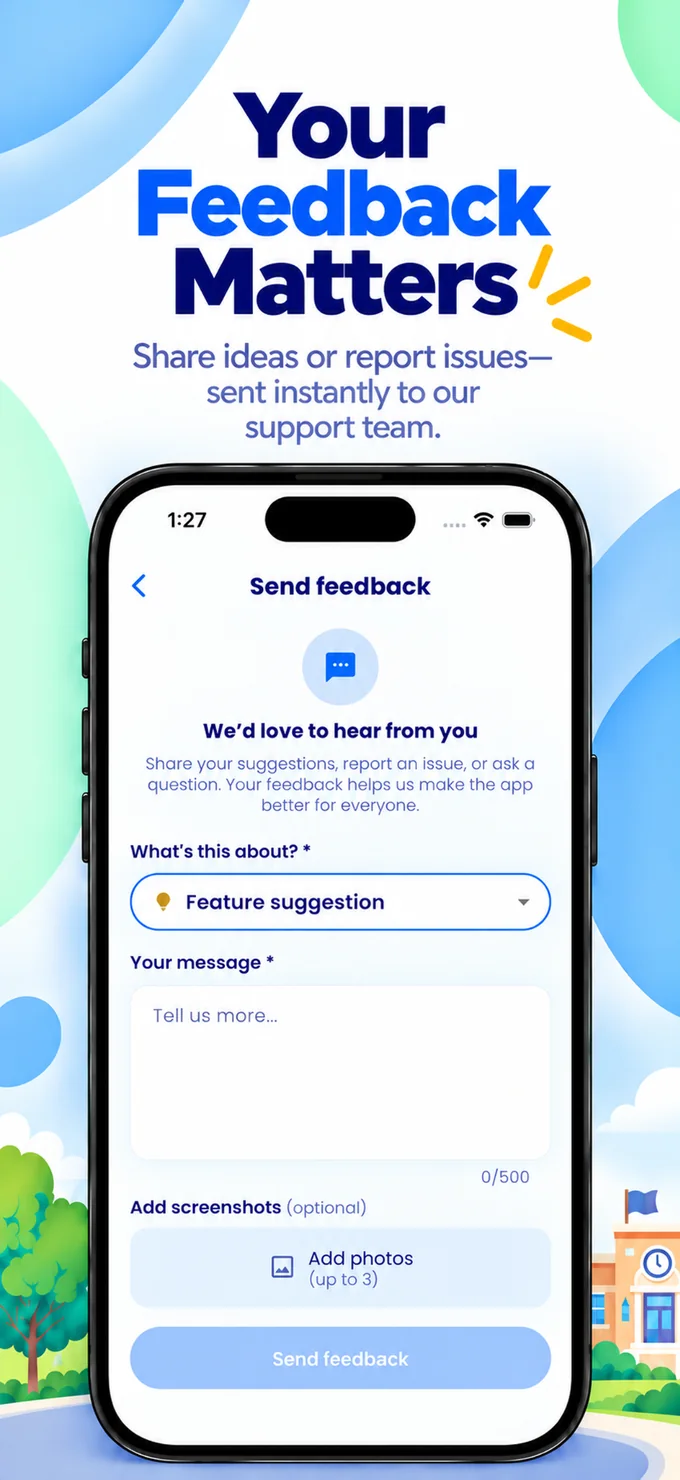
Use “Send feedback” within the app for suggestions, questions, or issue reports.
Questions about the app or your account? Send us a message here. For urgent dismissal questions, contact your school directly.
There is no public registration. The School-Sync app team creates school/admin accounts, and authorized school admins create teacher and parent accounts. Parents can create guardian login accounts.
Check-in is intended to work within your school's configured pickup boundary and scheduled hours. Check device location permission and your school’s pickup instructions.
Parents can add a guardian from Manage Guardians in the app, and remove that access there at any time.
In a conversation, press and hold a message (or use its menu) to report it or block the sender, or use the menu at the top of the conversation to report or block the person. Blocking never affects pickup. You can unblock people under Blocked users in your account menu.
In the app, tap your profile icon, open Account & Support, then tap Account Deletion and confirm. Deletion is completed within 7 days and you can cancel until then. If you cannot open the app, use the Account & Data Deletion page.